
Merge tickets
Combine two open tickets from the same customer into one, so your team replies in a single conversation and keeps the full history.
Search portal content
Search portal content
Combine two open tickets from the same customer into one, so your team replies in a single conversation and keeps the full history.
Combine two open tickets from the same customer into one, so your team replies in a single conversation and keeps the full history.
Merge two tickets when the same customer wrote in twice about the same thing. The ticket you open stays. The other ticket's messages move into it, so everyone replies in one place.
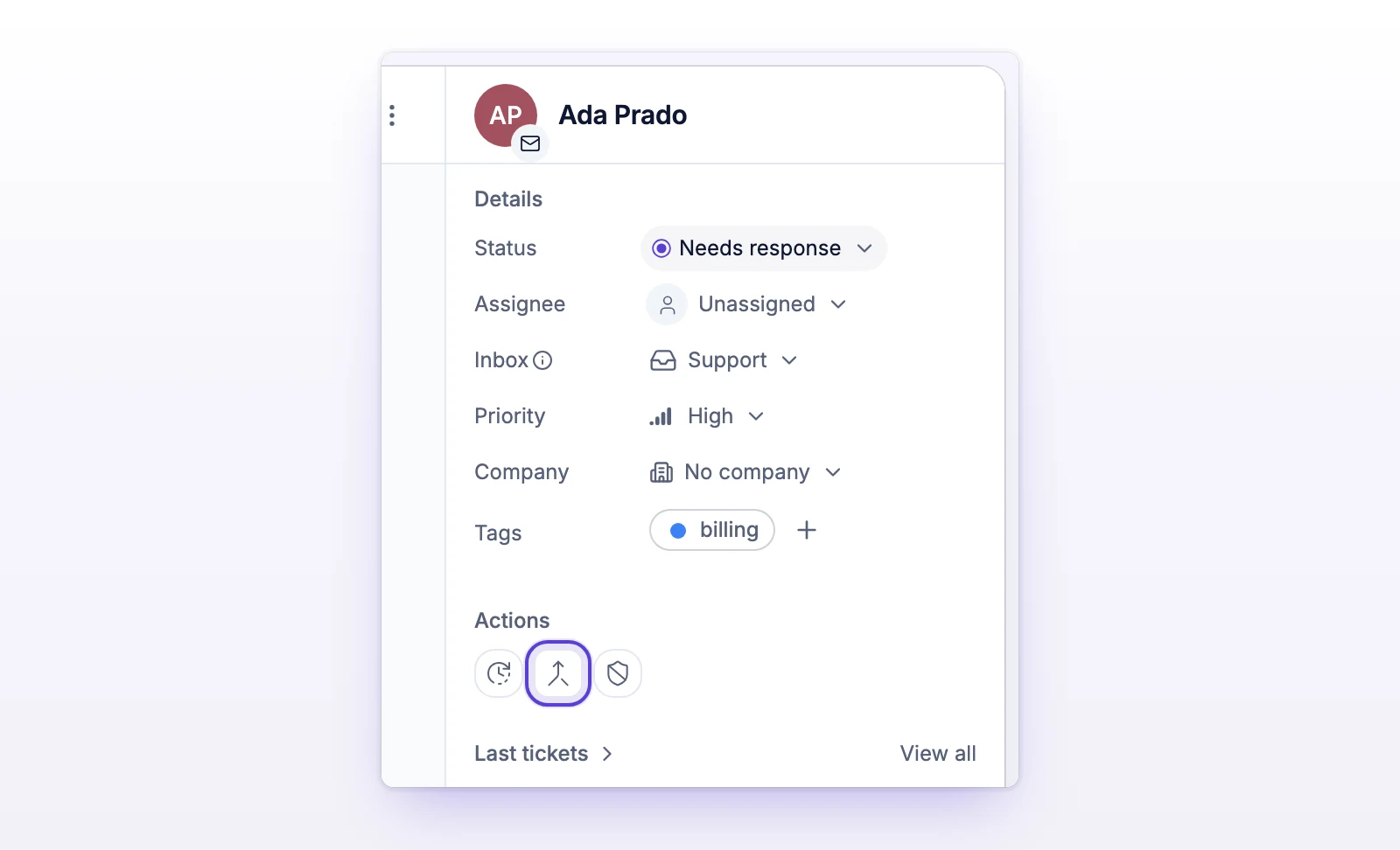
You can also hover a ticket in the Last tickets list in the details sidebar and select Merge into this ticket. That list shows the same customer's other tickets.
You'll see "Merged #123 into this ticket." when it's done. The merge can't be undone.
Both tickets must:
The dialog only lists tickets that meet these rules. If it says "No other open ticket from this requester on this channel," there's nothing to merge. If the same person has two customer records, change the requester on one ticket first.
You can merge only two tickets at a time. To combine three, merge twice.
| The ticket you keep | The ticket you merge away | |
|---|---|---|
| Messages | Gets every message and attachment from the other ticket, including its first message, placed in order by date. | Leaves your queues. It can't be edited. |
| Tags | Gets the tags from both tickets. | Not changed. |
| Priority | Takes the more urgent of the two. It never goes down. | Not changed. |
| Status and assignee | Not changed. | Not changed. Any snooze on it ends. |
| Timeline | Gets an internal note: "Merged ticket #123 into this ticket by" your name. If priority rose, the note says so. |
Customers aren't told about the merge, and nothing is sent to them. Only the ticket you keep counts toward your ticket total. See How tickets are billed.
If your organization routes replies to Cc'd people, merging doesn't change who is Cc'd on the ticket you keep. People Cc'd only on the merged-away ticket stop getting replies. The dialog lists their addresses before you confirm.
If both tickets have a linked issue in the same tracker (Linear or Jira), the merge is refused. Unlink one issue first. If only the merged-away ticket has a linked issue, the link moves to the ticket you keep. If the ticket you keep is already linked, it keeps its own link.
Hover over it to see why:
One of the tickets changed while you had the dialog open, for example someone closed it. Refresh and try again.
initdesk couldn't confirm the result. Select Check merge status before you try again.
You need access to the inbox of both tickets. Ask an admin on your team to give you access.