
Forward from Gmail
Forward a personal Gmail or a single Workspace mailbox to initdesk, verify the address, and test it. Covers forwarding all mail or only some.
Search portal content
Search portal content
Forward a personal Gmail or a single Workspace mailbox to initdesk, verify the address, and test it. Covers forwarding all mail or only some.
Forward a personal Gmail or a single Workspace mailbox to initdesk, verify the address, and test it. Covers forwarding all mail or only some.
Use this page for a personal Gmail account, or a single Google Workspace mailbox where you can't use admin routing. Gmail forwards new mail to your initdesk inbox address. If you manage a Workspace domain, admin routing is more reliable.
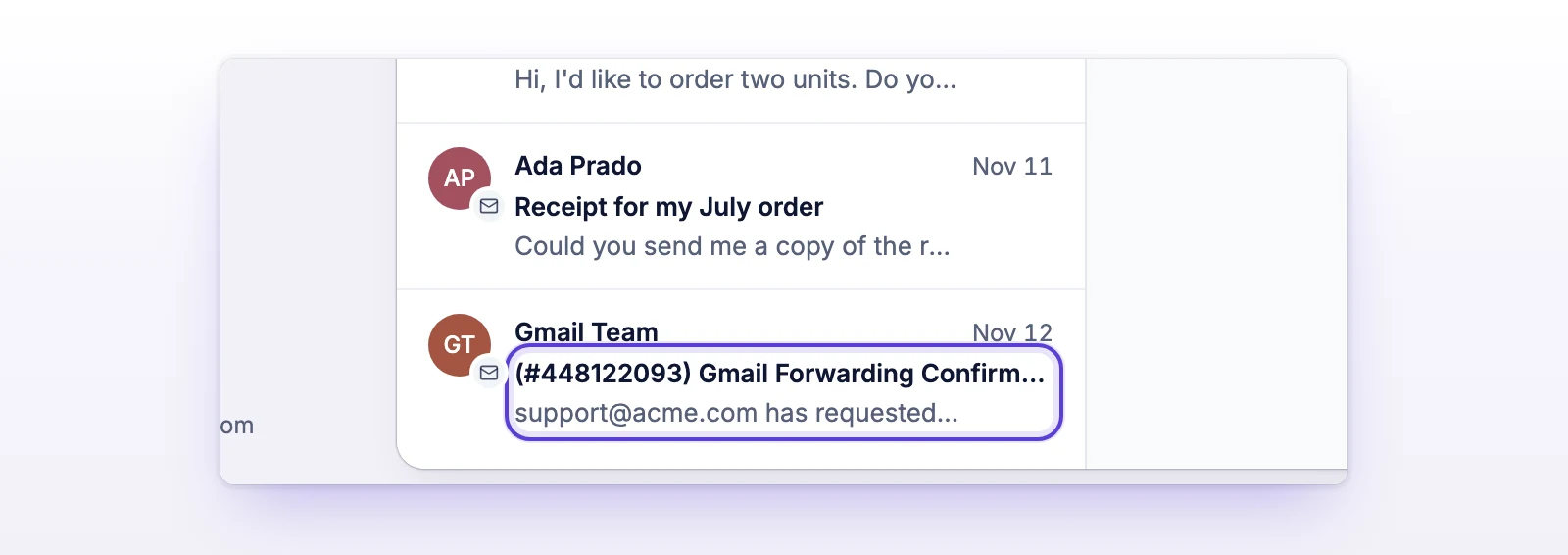
Verifying the address doesn't turn forwarding on. You still need to choose how Gmail uses it. You can close the verification ticket afterward.
Use this when the account only receives support mail.
Gmail forwards new messages only, and it doesn't forward spam.
Use a filter when the account also receives mail that isn't support. The initdesk address must already be verified.
A filter only sees mail that already reached the mailbox. A message sent to your support address as a Cc or Bcc may not match a filter that only checks To. A reply to a filtered message is only forwarded if it also matches. Use one filter per destination address.
Check that the inbox address you entered is exactly the initdesk inbox address on the Email page. Look in the inbox's tickets and in spam. Then repeat Add a forwarding address to send a new message.
You skipped the second step. Select Forward a copy of incoming mail to, choose the address, and select Save Changes. Refresh the page first if the address doesn't appear.
On a Workspace account, an admin has turned off Allow users to automatically forward incoming email, or limited it to internal addresses. Ask your admin to change it, or ask them to use admin routing.
Automatic forwarding and a filter are both on, or a routing rule is active too. Keep one method.
Gmail doesn't forward what it marks as spam. Create a filter with Never send it to Spam, or use admin routing with Bypass spam filter for this message.