
Forward your support address
Forward the support address your customers already use to your initdesk inbox address, so every email becomes a ticket. Includes a test step.
Search portal content
Search portal content
Forward the support address your customers already use to your initdesk inbox address, so every email becomes a ticket. Includes a test step.
Forward the support address your customers already use to your initdesk inbox address, so every email becomes a ticket. Includes a test step.
Every inbox in initdesk has its own email address. Forward the support address your customers already write to into that address, and each email becomes a ticket in the inbox. Customers keep using the address they know.
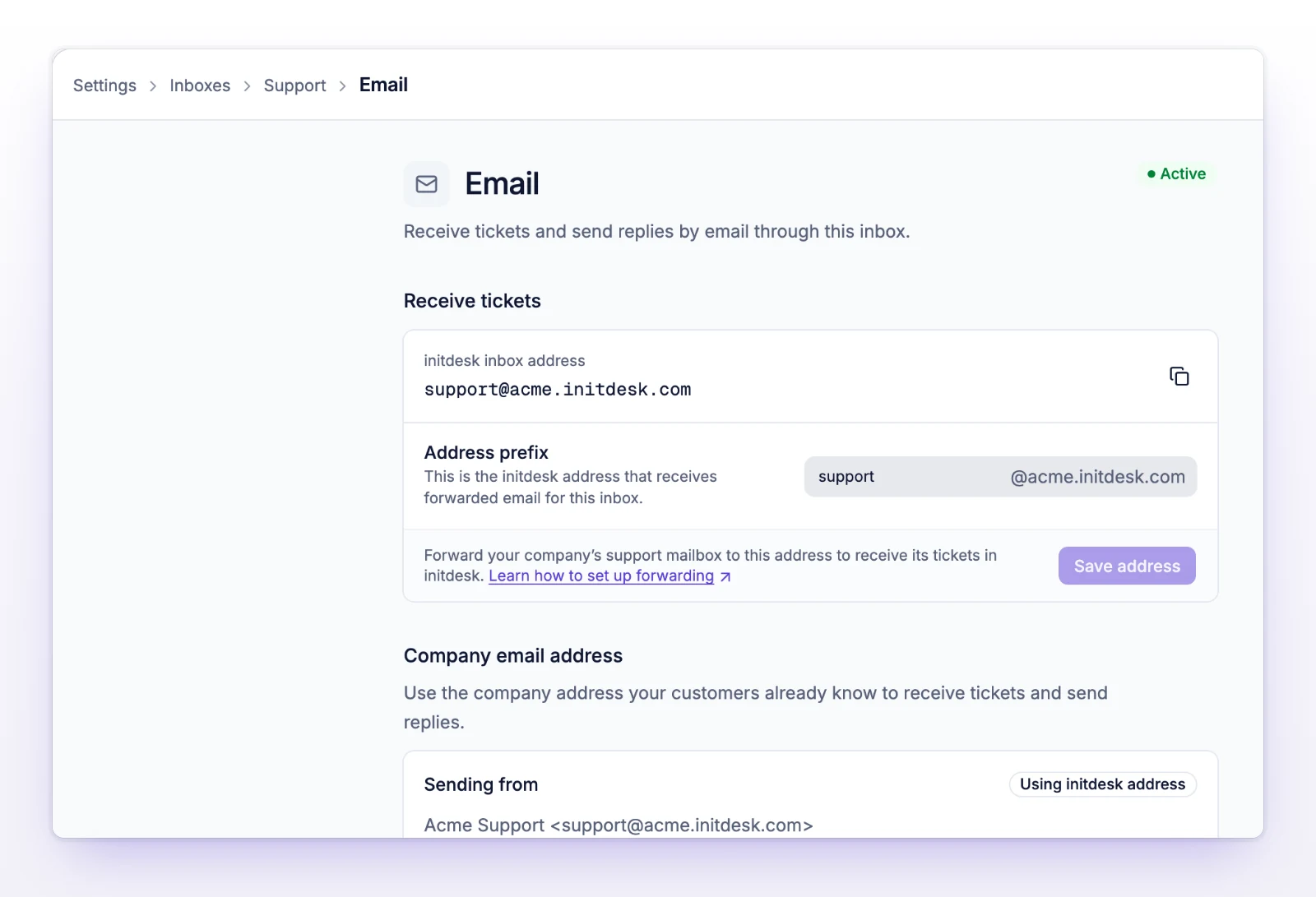
The address ends in .initdesk.com, for example support@your-org.at.initdesk.com. The part before the @ is the Address prefix. You choose it when you create the inbox, and you can change it on this page with Save address. If you change it, update your forwarding rule to the new address.
Only account owners and admins can open inbox settings.
Set up forwarding where your support address lives. Pick the row that matches.
| Your support address is in | Start here |
|---|---|
| Google Workspace, and you (or an admin) can open the Google Admin console | Forward from Google Workspace |
| A personal Gmail account, or a Workspace mailbox you can't administer | Forward from Gmail |
| Outlook, Microsoft 365, or Exchange Online | Forward from Microsoft 365 |
| Another provider | Look for "Forwarding" or "Redirect" in its mail settings. Use your initdesk inbox address as the destination. |
A few rules hold for every provider:
If Auto-reply is on for the inbox, the sender also gets the automatic message. See Set up auto-reply.
Some admin-level rules take up to 24 hours to apply, though they usually work within minutes. If nothing arrives, see Fix email problems.
Without Company email address, you receive email at your own address, but replies go out from an initdesk address, with the sender name you set for the inbox. The customer's answer comes back to the same ticket.
With Company email address turned on, new tickets in that inbox send replies from your own address, such as support@yourcompany.com. It applies to new tickets only. Existing tickets keep the sender they started with. See Send from your own domain.