
Change your language
Choose the language of the initdesk screen from English, Spanish, Portuguese (Brazil), French, or Dutch. Your team can pick different ones.
Search portal content
Search portal content
Choose the language of the initdesk screen from English, Spanish, Portuguese (Brazil), French, or Dutch. Your team can pick different ones.
Choose the language of the initdesk screen from English, Spanish, Portuguese (Brazil), French, or Dutch. Your team can pick different ones.
The initdesk screen is available in five languages: English, Español, Português (Brasil), Français, and Nederlands. You choose the language of your own screen. Other people on your team can choose another one.
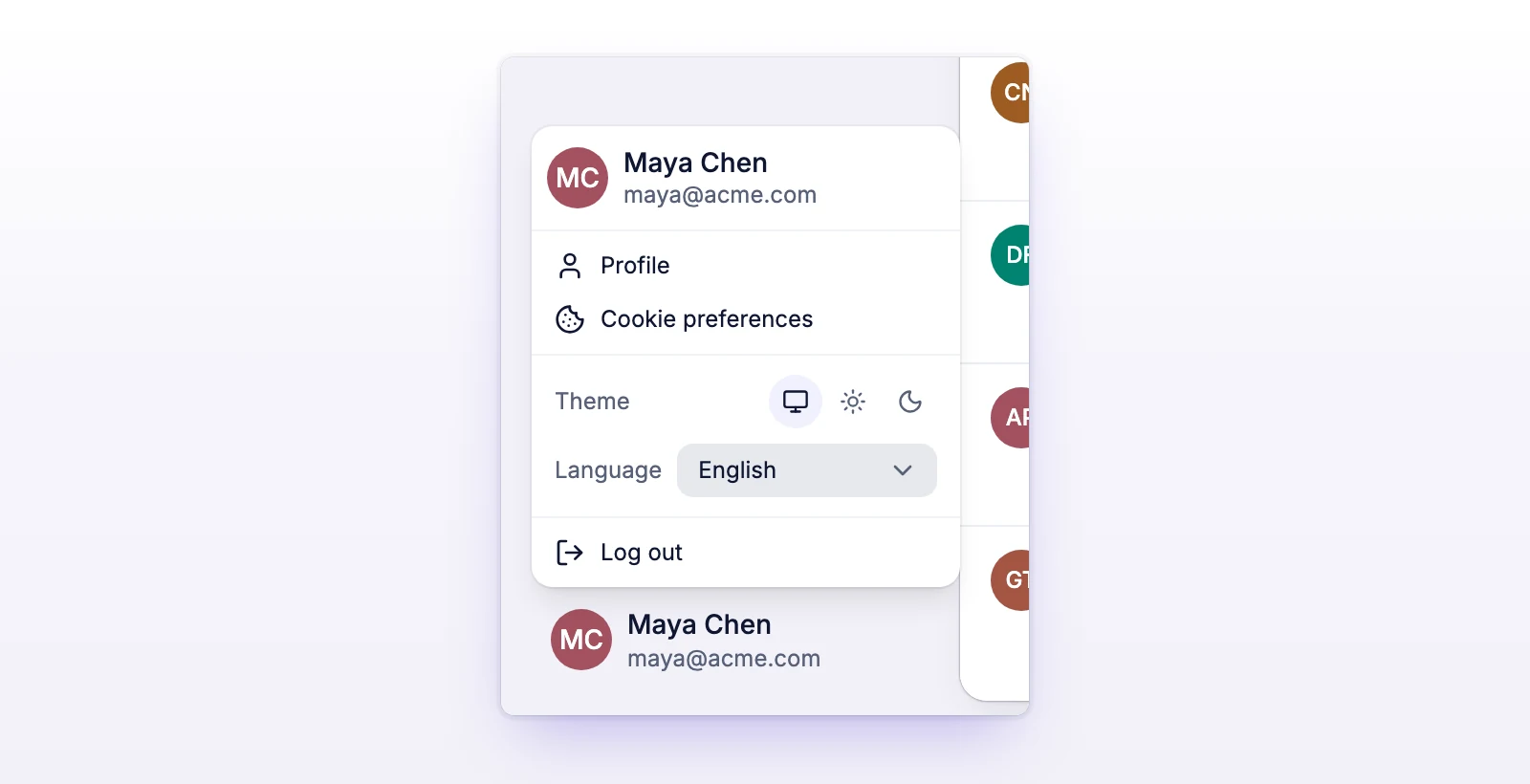
The screen changes right away. You keep what you were doing, such as a draft reply.
If you see "Could not change language. Try again.", choose the language again.
The language changes the app: menus, buttons, settings, and messages from initdesk. It doesn't change what people wrote:
Your organization has its own Working language in Settings > General. It sets the language the AI uses when it writes for your team, such as the AI overview of a ticket. It's shared by everyone in the organization. Only owners and admins can change it. See Set up your organization.
For example, you can read the app in Español while your organization's working language is English.
Some data from initdesk, such as default filter names, didn't refresh in the new language. Select Try again.
The language is saved per browser. Choose it in the menu at the bottom of the sidebar.