
Sign in and passwords
Create your initdesk account with email or Google, log in, reset a forgotten password, and update your name and profile picture.
Search portal content
Search portal content
Create your initdesk account with email or Google, log in, reset a forgotten password, and update your name and profile picture.
Create your initdesk account with email or Google, log in, reset a forgotten password, and update your name and profile picture.
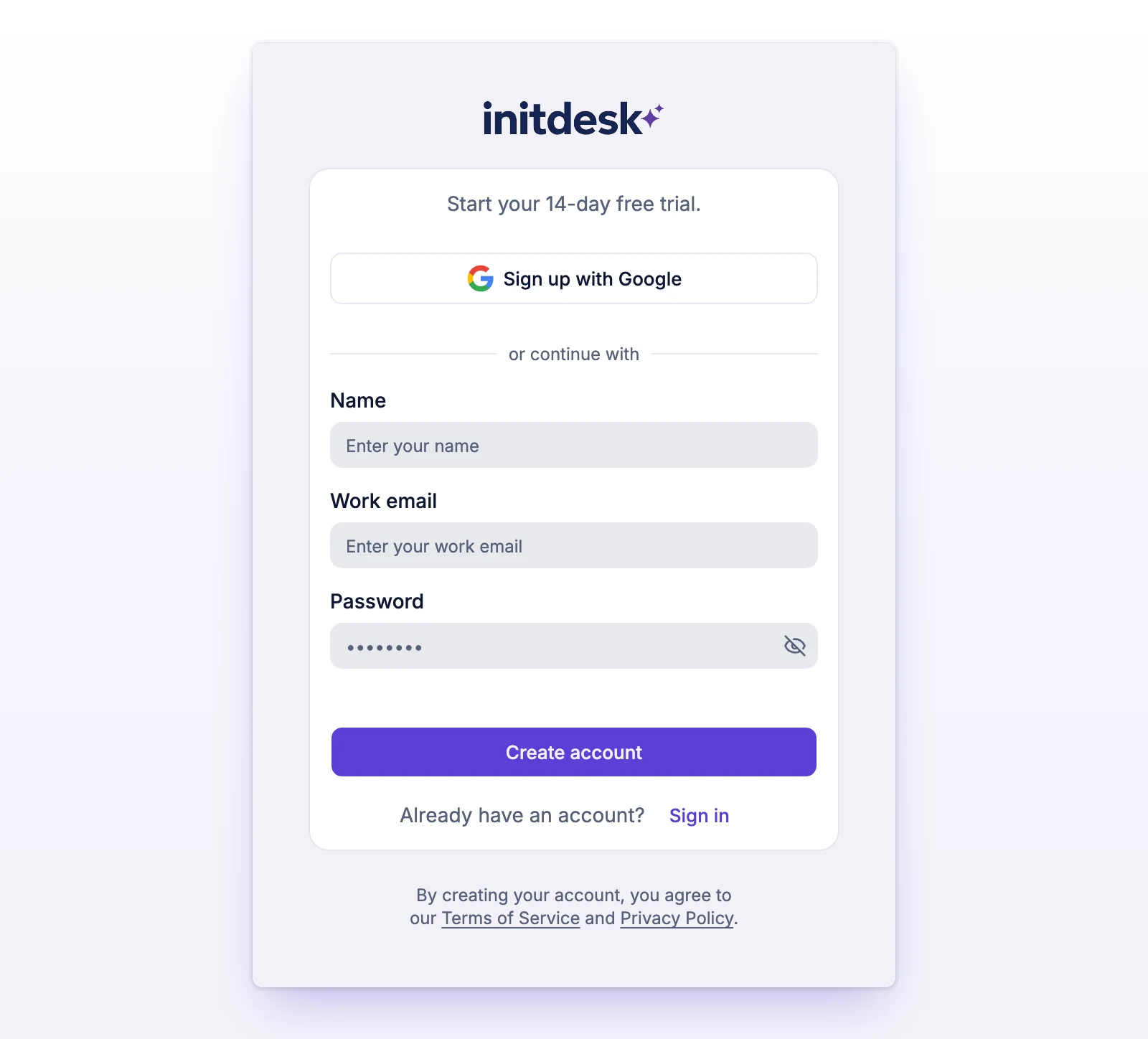
You sign up once, and you can log in with your email and password or with Google. Signing up starts a 14-day free trial, with no card.
When you open the link, you're signed in and taken to your organization. If the page says Your email is confirmed. Sign in to continue., select Sign in.
To sign up with Google instead, select Sign up with Google and choose your account. You don't need to confirm your email address.
If you're already signed in as someone else when you open a verification link, initdesk asks whether to confirm this email. Choose Keep current account or Confirm and continue.
By creating an account you agree to the Terms of Service and Privacy Policy.
Your password can't be too short, can't be a commonly used password, can't be only numbers, and can't be too close to your name or email. If you see "Choose a stronger password and try again.", pick a longer, less common one.
Or select Sign in with Google.
After you log in, initdesk opens the organization you used last. If you have no organization yet, it takes you to create one. If someone invited you, you'll see You have invitations first. See Invite your team.
initdesk always says "If an account exists for that address, we sent instructions to reset its password.", whether or not the address has an account. Select Try another email if you typed the wrong one.
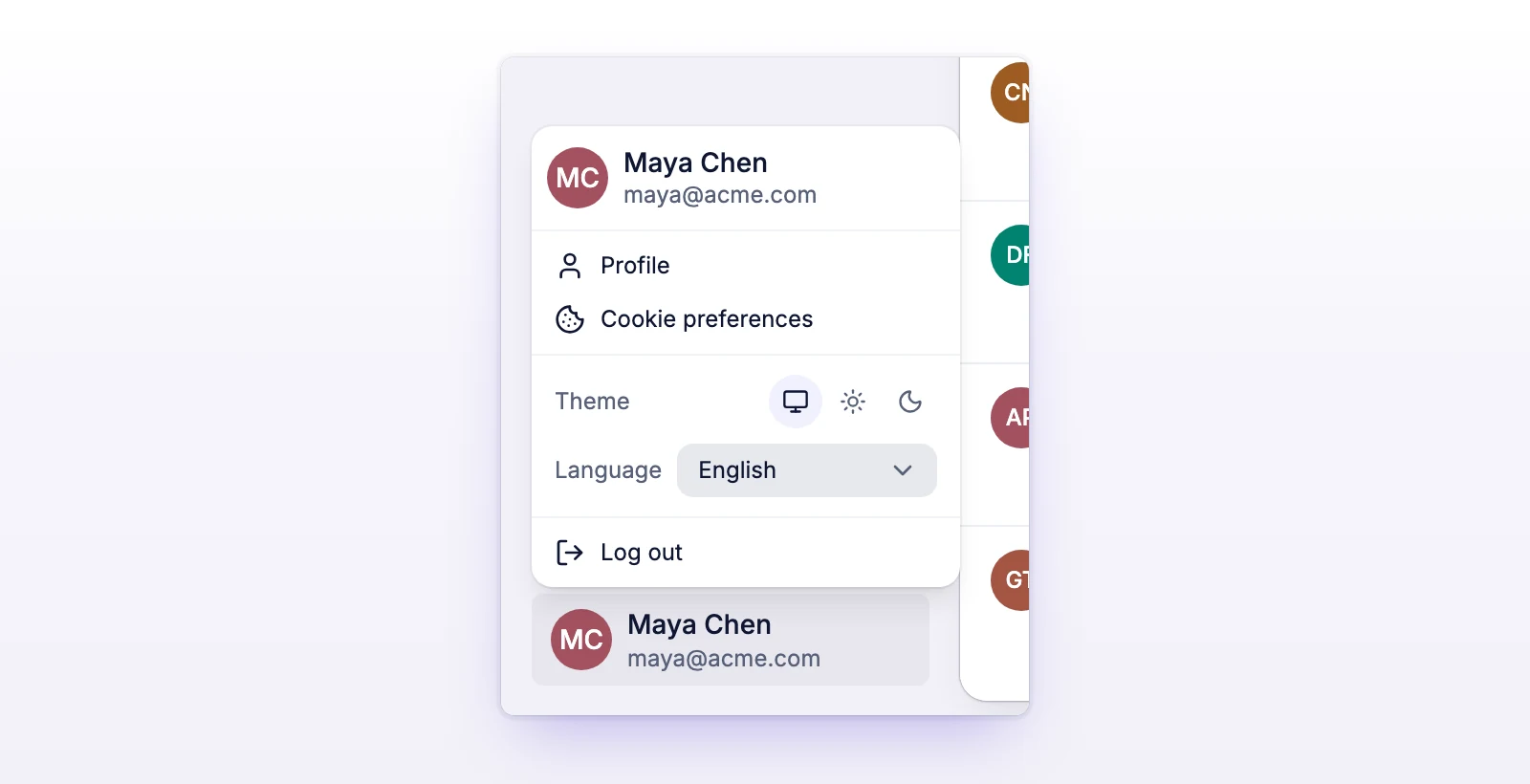
Open the menu at the bottom of the sidebar and select Log out.
You can't change your Email. It shows "Email cannot be changed." Your name and picture appear to your team.
If you don't upload a picture, initdesk uses your Google picture, if you have one. Otherwise it shows a generated avatar.
The email or password is wrong. Check both, or reset your password.
Wait a while, then try again.
You'll see "This verification link is invalid or no longer works." Sign in if your account is active. If it isn't, sign up again to get a new email, or select Resend verification email on the Check your email page.
An account already exists for that address. Select Sign in, or Reset password. For more help, write to support@initdesk.com.
You'll see "This password reset link is invalid or no longer works." Select Request a new link.
Select Sign in again to continue where you left off.
The human check didn't load. Select Try again. It needs JavaScript turned on in your browser.