
Customer ticket access
Let customers sign in to your Help Center by email to view and manage their own tickets and messages.
Search portal content
Search portal content
Let customers sign in to your Help Center by email to view and manage their own tickets and messages.
Let customers sign in to your Help Center by email to view and manage their own tickets and messages.
Give customers a private place to view and manage their support conversations. When Customer ticket access is enabled, customers can sign in to your Help Center with a one-time code sent to their email address.
Each customer can only access tickets linked to their signed-in email address. They cannot see another customer's tickets.
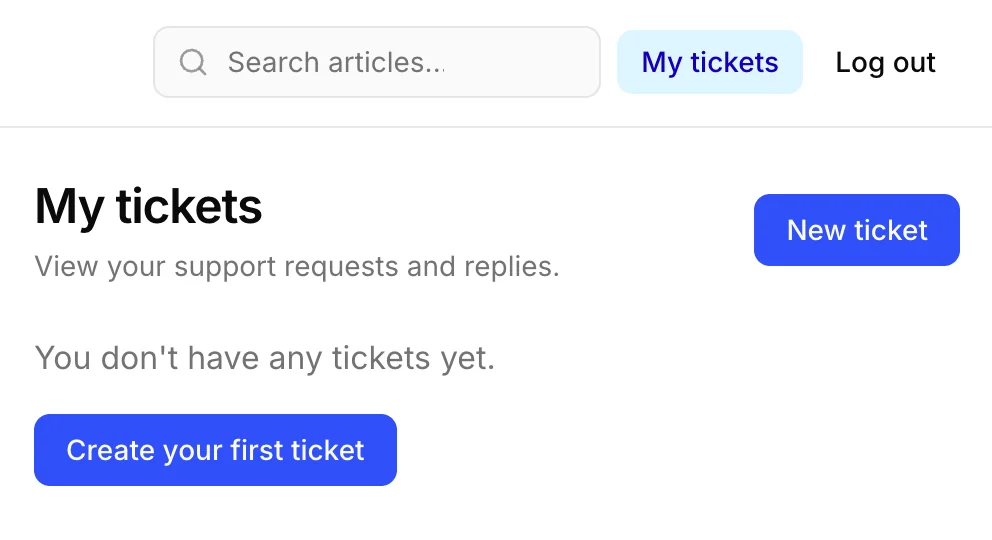
No password is required. After verification, the customer is taken to My tickets.
From My tickets, customers can:
Tickets are private to the signed-in customer. A customer cannot search for or open tickets that belong to a different email address.
Go back to Help Center → Interface settings, turn off Customer ticket access, and click Save changes.
The Sign in and My tickets options will no longer be available in your Help Center.